How to reduce no-shows in your barbershop

A no-show isn't a manners problem
The client who doesn't show up isn't being rude. In most cases, they simply forgot. They booked over the phone, or via WhatsApp, three weeks ago. They didn't receive a reminder. They don't have the appointment in their phone calendar. The day comes, and they have something else.
It's not a people problem. It's a system problem.
If your booking system relies on memory — yours or the client's — no-shows are inevitable. Not because clients are unreliable, but because human memory isn't a management tool.
How much a no-show costs
A no-show doesn't just cost the empty slot. It costs a chain of things:
- The chair time. An empty hour is an hour you can't get back. At €25-€30 per cut, one no-show a week is €1,300-€1,500 a year.
- The client who would have taken that slot. If someone called for that same time and you said "it's booked," that client went elsewhere. You lost two clients for one slot.
- The admin time. You call the client who didn't show, leave a message, wait for a reply, reschedule. Another 10-15 minutes of administrative work per no-show.
- The domino effect. If the no-show was at 3 PM and you have another client at 3:30, maybe you recover. But if you had two clients back-to-back and the first doesn't show, the second waits less — but you still lost half an hour of revenue.
Three no-shows a week, 50 weeks a year, at €25 each: €3,750 a year. For one barber. With two barbers, it doubles.
Why clients don't show up (and how to intervene)
1. They forget the appointment
This is the number one cause. The client booked days or weeks ago, and nobody reminded them.
What to do: Send a written confirmation at the moment of booking. Not a "ok" on WhatsApp that gets lost in the scroll — a structured message with date, time, barber, and service. If you use an online booking system like Tonso, the email confirmation goes out automatically. The client gets it in black and white, and has a clear reference.
2. They can't cancel easily
If cancelling an appointment means the client has to call during opening hours, and you're busy cutting hair, many won't call. They just won't show up.
What to do: Make cancellation as easy as booking. If the client booked from a link, they should be able to cancel from the link. If they booked via WhatsApp, they should be able to cancel via WhatsApp with a message. The easier it is to cancel, the more the client will let you know — and you can fill the slot.
3. They book too far ahead
The more time passes between booking and appointment, the more likely the client forgets or changes plans.
What to do: If a client wants to book three weeks out, fine — but make sure they get a reminder the day before. A digital system with email confirmation does this automatically. If you work only with WhatsApp, set a manual reminder: the night before, scroll through the next day's appointments and send a quick message to each client.
4. There's no consequence
If the client knows that not showing up has no consequence, your appointment is the first one they drop when something comes up. Not because they're bad — because the priority is low.
What to do: You don't need to fine clients. You need to build a relationship where the appointment is a commitment to a person, not to a schedule. You know the client by name, you ask how they're doing, you remind them of the appointment the day before. The client who has a relationship with you doesn't skip the appointment. The client who is "a name on the schedule" does.
The 5 strategies that actually work
1. Immediate written confirmation
When the client books, they receive a written confirmation within 30 seconds. Email or WhatsApp, with date, time, barber, and address. This single step reduces no-shows by 30-40%.
If you use an online booking system, this is automatic. If you work manually, set up a message template on WhatsApp and send it right after every booking.
2. Reminder the day before
Not the same day — the day before. The client has time to organise or cancel in advance, and you have time to fill the slot.
If your system sends automatic reminders, great. If it doesn't, do it manually: the night before, 2 minutes to send a WhatsApp to every client on the next day's schedule. "Hi Marco, reminder for your appointment tomorrow at 3 PM. See you!"
3. Make cancellation easy
The easier it is to cancel, the more the client will tell you. It sounds counterintuitive, but it works: if cancelling is easy, the client cancels instead of not showing up. And if they cancel in advance, you can offer the slot to someone else.
If you use an online system, the client can cancel from the link. If you work with WhatsApp, respond quickly to cancellation messages and thank them for letting you know — don't act offended. The client who feels guilty for cancelling won't book again.
4. Slightly overlap your slots
If you get a no-show every now and then, don't fill every slot to the max. Leave a 10-15% margin between appointments. If a client doesn't show, the gap is partially absorbed by the margin, not a dead hour.
This doesn't mean working less — it means organising better. If a cut takes 30 minutes, schedule at 35 minutes. If the client shows up, you finish 5 minutes early and have a buffer. If they don't show, you lose 30 minutes instead of 35.
5. Track no-shows
Keep a count. Not to punish clients — to understand patterns. If a client has three no-shows in two months, next time they book, ask for same-day confirmation instead of the day before. If no-shows increase on Friday evenings, maybe Friday evening clients are less reliable — or maybe your Thursday night reminder gets lost in the weekend.
A simple mark on the schedule is enough. You don't need a complex CRM: a star, a circle, a symbol. But count.
What you DON'T need
You don't need upfront payment
Online deposits reduce no-shows, true. But in most countries, clients aren't used to paying to reserve a barber appointment. If you require it, you lose more clients than you save in no-shows. Better a working system of confirmations and reminders, and accept the occasional no-show as a cost of doing business.
You don't need a downloadable app
Clients don't want to download an app to book a haircut. A link that works from the browser, that sends an email confirmation, and that allows cancellation with a click — that's enough. If the system you use requires downloads or registration, clients abandon it halfway through.
You don't need to be aggressive
The client who doesn't show up isn't an enemy. They're someone who forgot. Treat them that way: remind them of the appointment next time, don't put them on a blacklist. A barbershop is a human relationship — if you turn it into a transaction, you lose the client forever.
No-shows get reduced, not eliminated
No system eliminates no-shows 100%. Even restaurants with deposits, clinics with reminders, flights with overbooking have a no-show rate. The goal is to reduce it from "a couple a week" to "one a month."
With written confirmations, day-before reminders, easy cancellation, and some tracking, you can bring no-shows below 5%. That means out of 100 appointments, 95 show up. That's a number you can work with.
The first step is the simplest: stop relying on memory. Every booking should have a written confirmation — email, WhatsApp, or a system that does it automatically. Everything starts there.
Run your barbershop's bookings with Tonso
Your clients book from their phone, around the clock. First month free, no card required.
Start for freeKeep reading
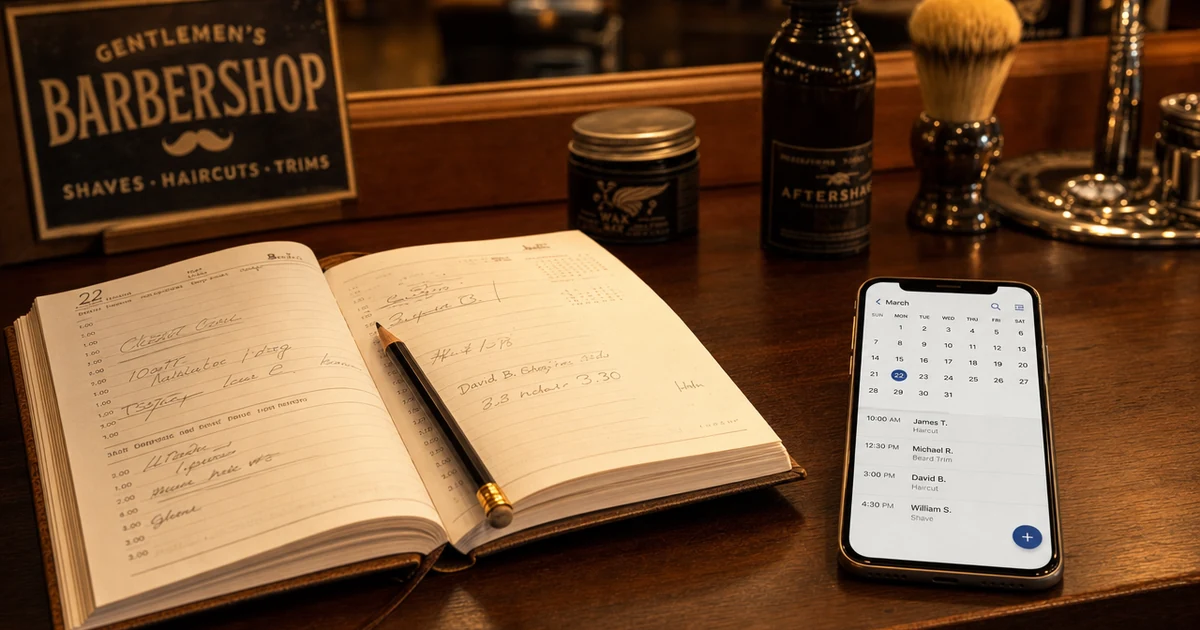
Digital Calendar for Barbers: Ditch the Paper Agenda
The paper agenda costs zero euros. But it costs you every client lost to a missed call, every double-booking mishandled, every evening spent reorganizing appointments.
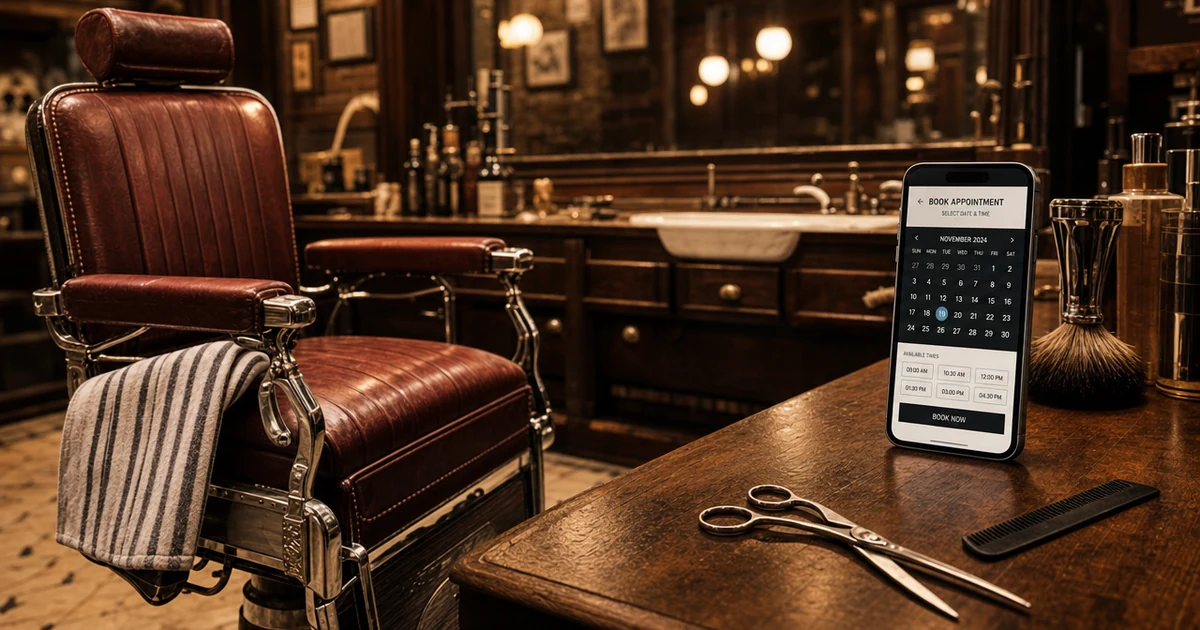
Online Booking for Barbers: The Complete Guide
The phone ringing mid-cut, the 10:30 PM WhatsApp, the Monday double-booking. If this sounds familiar, online booking is the answer.

WhatsApp bookings for barbers: how to automate them
Replying to WhatsApp while cutting? You lose time and clients. The solution isn't dropping WhatsApp, but using it right: for talking, not for organising.